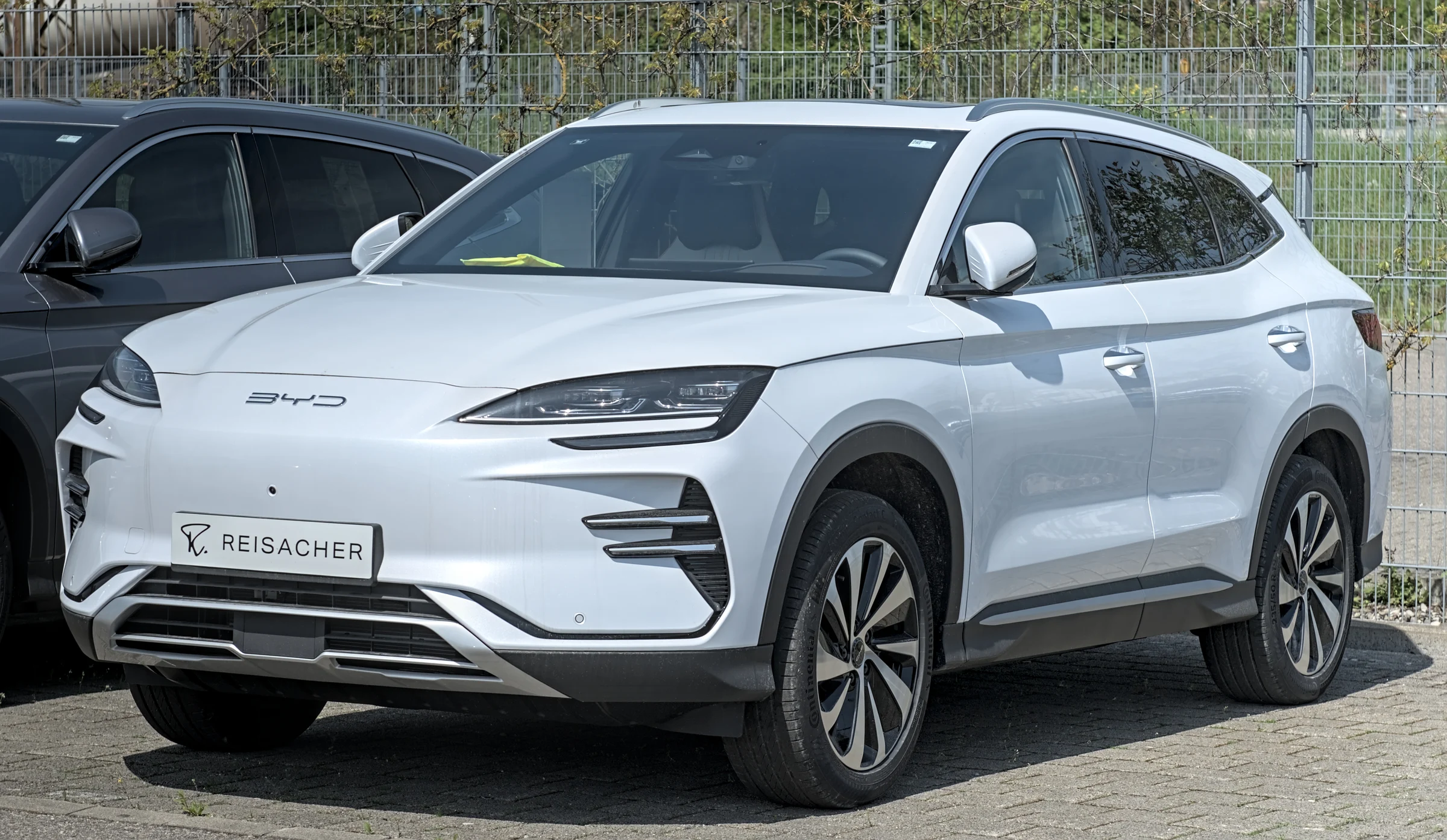
A NEW PERSPECTIVE ON EVERY DRIVE
CamProFOR BYD
See more. Drive with clarity.
More possibilities for the cameras already in your car.
From a clearer turn to a record of what happens while parked.
01 / MORE PERSPECTIVE
Your familiar car.
A wider perspective.
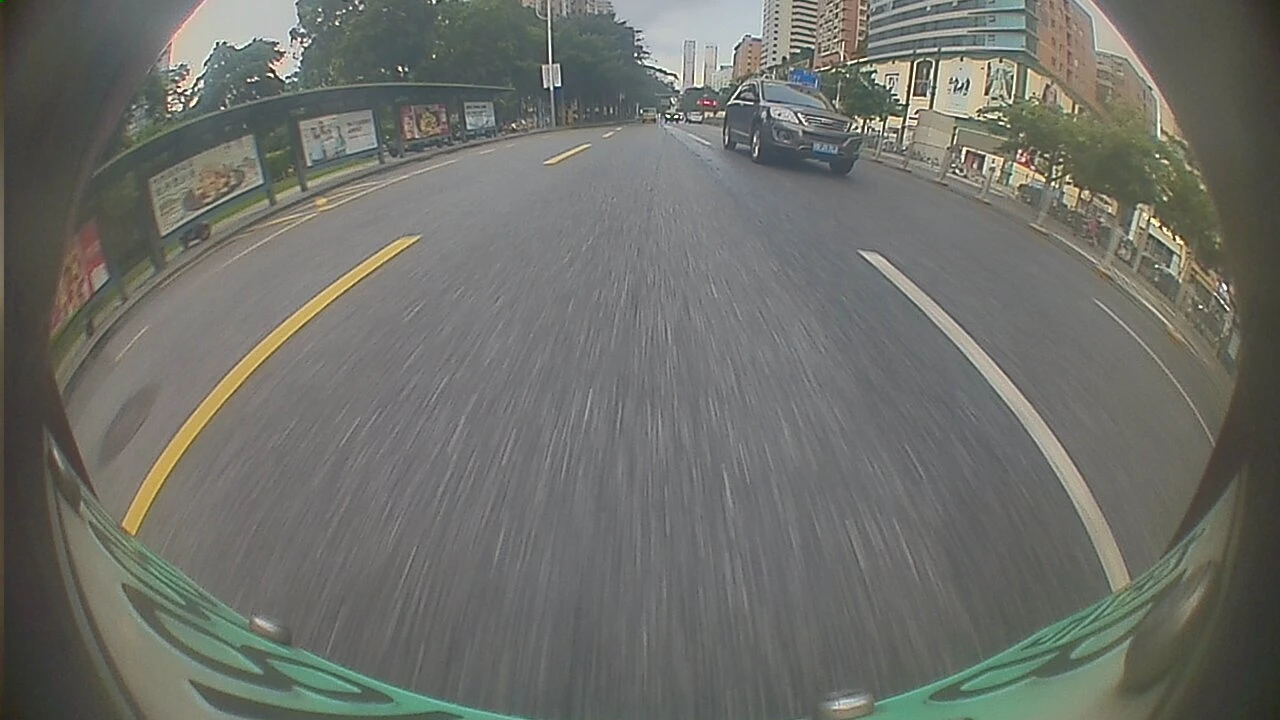
Four factory cameras. Six useful views.
Turning, reversing or checking manually:
bring the direction that matters into view.
Views that follow your drive
Trigger views with turn signals, steering angle or reverse. Adjust trigger priority and how long a view stays visible.
Keep your navigation in place
Independent floating camera windows keep your usual head-unit apps visible, without switching back and forth.
Make each view your own
Adjust the window position, size and framing separately for each direction.
Views and vehicle-signal support vary by model and head-unit software.
02 / EVERY MOMENT, RECORDED
Four directions.
One recording.
For the everyday commute or the road ahead.
Record four channels together and revisit the moments that matter.
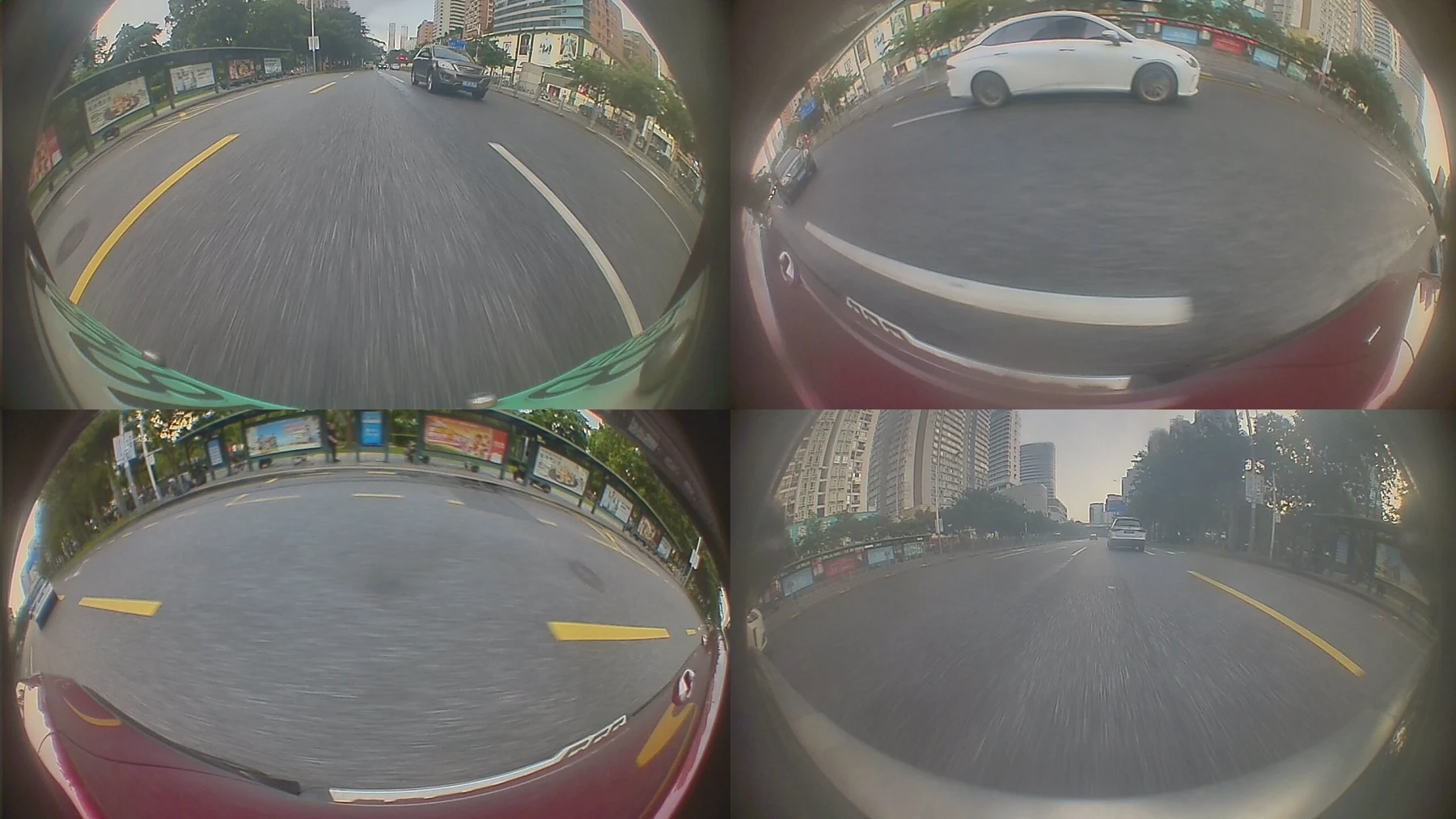
One moment, four directions
Front, rear, left and right views are saved together so you can review each direction at the same moment.
Loop recording, easier to manage
Choose 1, 2 or 3-minute segments, browse by date and play recordings locally with loop storage.
Keep the clips that matter
Protect recordings you want to keep and download original files to your phone.
03 / CARE BEYOND THE DRIVE
Park your car.
Keep the picture.
Continue recording around your parked car with the settings you choose.
Capture events so you can review what happened.
Capture changes as event clips
Changes in the parking view create events. Review screenshots on your phone, then request a clip when needed.
Parking monitoring needs continuous vehicle power. Remote access also needs the head unit online.
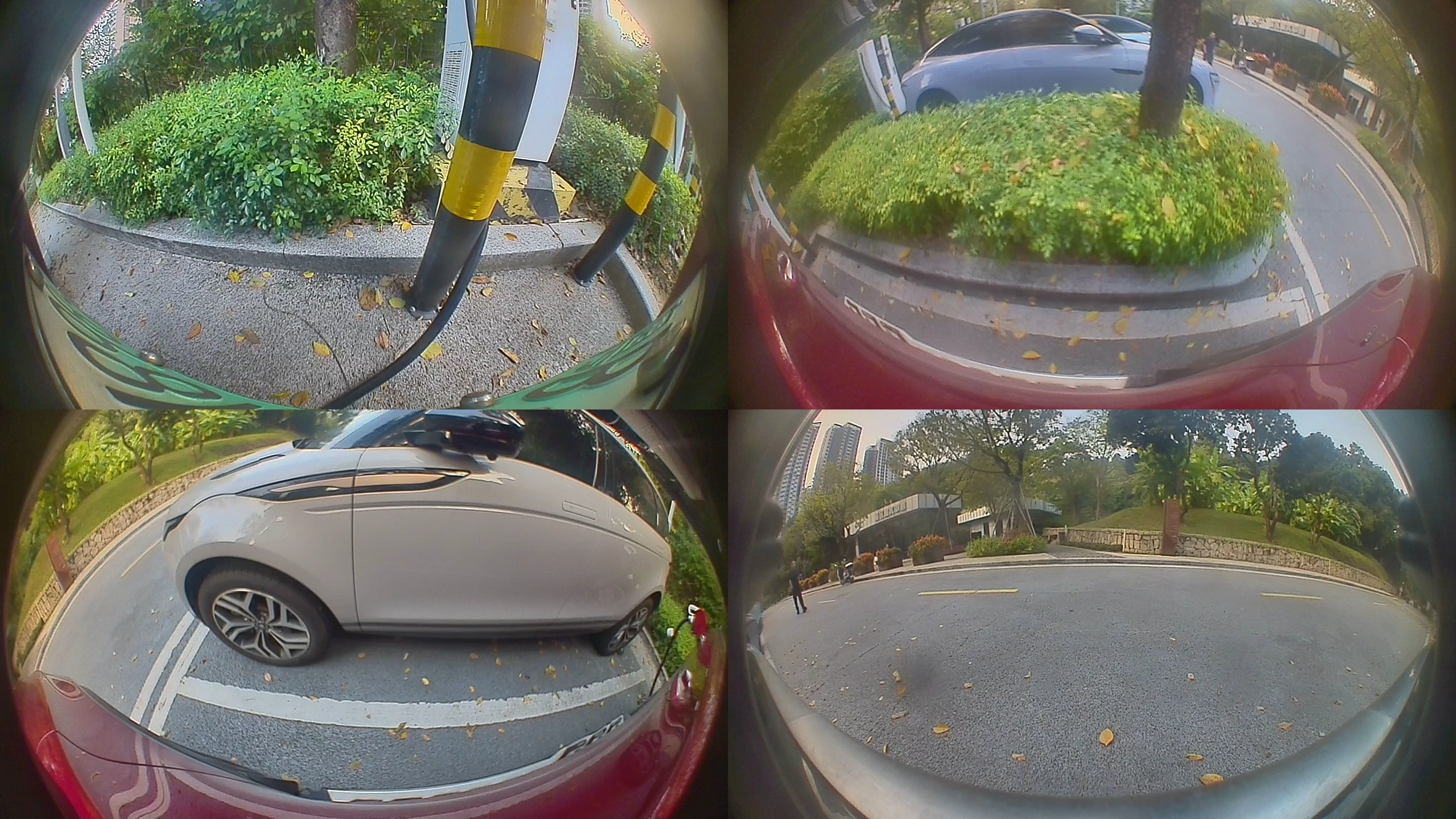
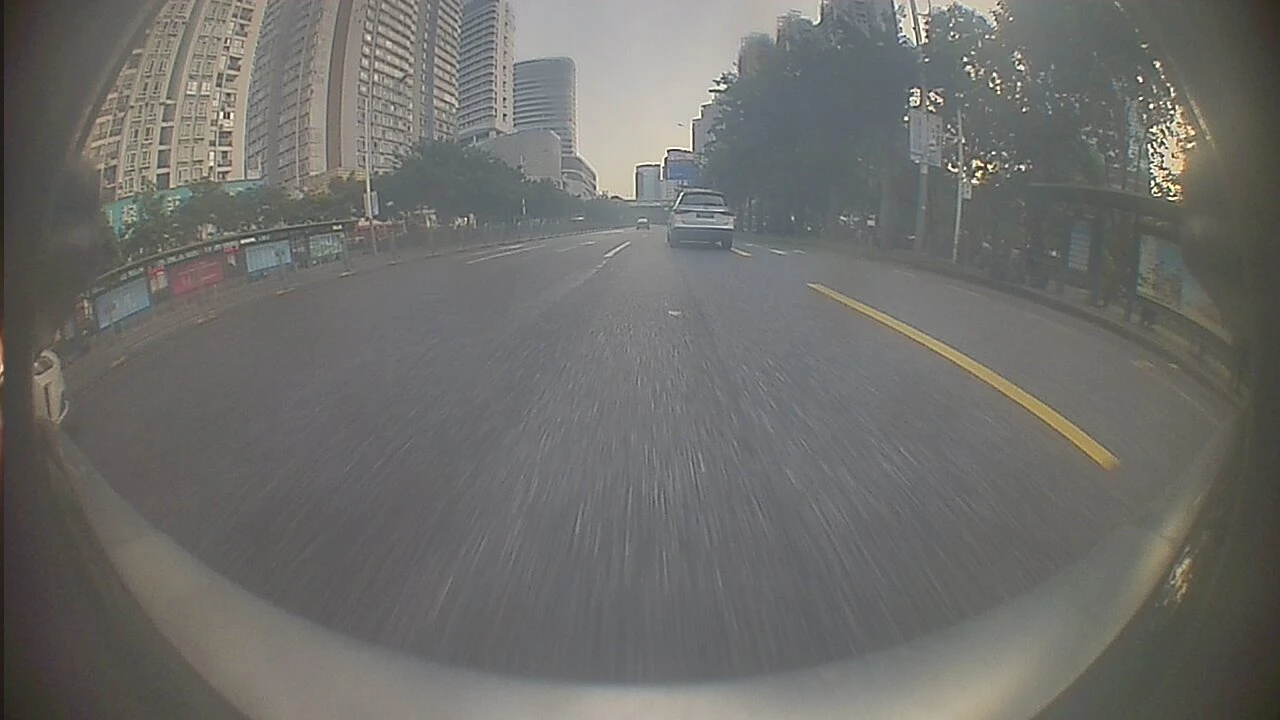 Camera preview
04 / ALWAYS WITH YOU
Your car, over there.
The view, right here.
Connect your head unit and Android phone with the same account.
From an event snapshot to the recording behind it.
Check around your car remotely
Start a preview while the head unit is online. Switch between four-channel and single-camera views.
Get a clip when you need it
Review events and snapshots first, then request a clip and save important footage to your phone.
Download originals on the same network
Use your local network to download complete recordings for storage and review.
Support for the road ahead.
In-app help, support tickets and diagnostic details keep the conversation focused.
A FEW THINGS TO KNOW
A few things to know.
Installation, connections and everyday use.
Do I need additional cameras?
CamPro uses factory cameras on supported vehicles, so these features do not require additional cameras. Availability depends on your model, head-unit software and active entitlement.
Can I keep navigation visible?
Yes. Cameras appear in independent floating windows while navigation or other apps remain visible. Adjust each window's position and size while parked.
Is all parking footage uploaded?
Event details and snapshots can be uploaded; clips are requested on demand. Original recordings can be downloaded on the same local network. Parking monitoring needs continuous power and remote access needs the head unit online.
Can my phone wake the vehicle remotely?
Remote preview requires the head unit to be online already. Remote vehicle wake-up is not available.
Which phones are supported?
The companion app currently supports Android. Sign in with the same email account as your head unit and follow the pairing steps. Local transfers require both devices on the same network and account verification.
What is included in a subscription?
Monthly, quarterly and annual plans all provide the same full feature entitlement for one vehicle: supported driving views, four-channel recording, parking monitoring, phone connectivity, cloud event forwarding and remote live preview.See full pricing and billing details。
How do I check compatibility and installation?
Share your vehicle model, model year and head-unit software version with CamPro support. Available features depend on the supported vehicle, software version and active entitlement.
MAKE MORE OF EVERY DRIVE